
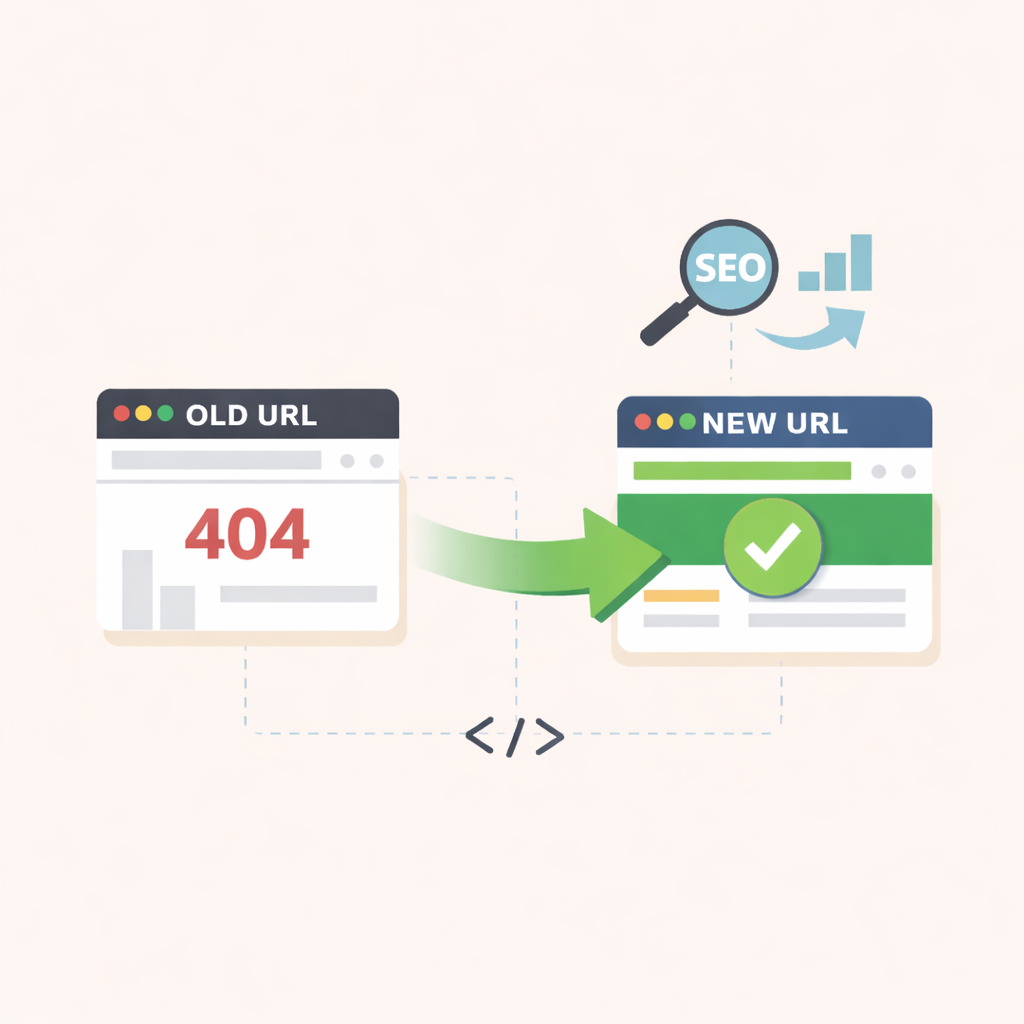
Every site will eventually need to modify its URLs. The only question is whether those changes preserve your search visibility or dismantle your authority.
Site migrations and URL changes can cost you years of accumulated SEO value in minutes, but proper 301 redirects preserve your rankings while maintaining a seamless user experience. Permanent redirects ensure visitors and search engines land on the correct page even when the original URL no longer exists.
Without proper ones in place, these changes result in broken links, lost traffic, and damaged search engine rankings. The consequences extend beyond frustrated visitors and can lead to major setbacks in SEO performance.
Let's start with the technical foundation of how these redirects actually work.
A 301 redirect is a permanent server-side redirect that automatically sends users and search engines from one URL to another. The "301" refers to the HTTP status code that tells browsers and search engine crawlers that a page has moved permanently to a new location.
When someone tries to access the old URL, the server responds with a 301 status code and the new destination URL. The browser then loads the new page automatically without any action required from the user. This entire process happens in milliseconds, making it seamless for visitors.
The permanent nature of a 301 redirect signals to search engines that they should transfer the ranking power (link equity) from the old URL to the new one. Google and other search engines will eventually replace the old URL with the new one in their search results, consolidating the SEO value at the new location. Unlike temporary redirects, 301 redirects tell search engines to stop indexing the old page and treat the new URL as the authoritative version going forward.
Without these, you risk losing SEO value and creating a frustrating experience for visitors who land on broken pages. Search engines treat 301 redirects as a robust signal to transfer most of the original page's ranking power to the new URL.
Google has confirmed that 301 redirects pass PageRank, meaning the backlinks, authority, and trust signals associated with the old URL flow to the new destination. This preservation of link equity is essential for maintaining your organic search visibility.
From a user experience perspective, these redirects prevent visitors from landing on broken pages or 404 errors. When someone clicks an outdated link from search results, social media, or another website, the redirect ensures they reach the correct content instead of a dead end.
This reduces bounce rates and keeps users engaged with your site. Additionally, 301 redirects consolidate duplicate content under a single canonical URL while preventing crawl errors and 404 pages in Google Search Console reports.
Failing to implement these redirects when moving or removing pages means abandoning all the SEO equity those URLs accumulated. Search engines will eventually deindex the old pages, and you'll need to rebuild rankings from scratch at the new URLs.
Several common scenarios require this type of redirect to preserve rankings and guide visitors to the correct content. Site migrations are one of the most critical use cases. When moving your website to a new domain, every old URL needs a corresponding redirect to its new location.
This applies whether you're rebranding, consolidating multiple sites, or switching from HTTP to HTTPS. Without comprehensive redirect mapping, you'll lose the authority and rankings built under the previous domain.
Changing your URL structure also demands permanent redirects. If you decide to remove dates from blog post URLs, switch from numbered IDs to descriptive slugs, or reorganize your site's hierarchy, each modified URL requires a redirect to its new path. Doing so ensures existing backlinks continue to pass value and search engines update their index with the new structure.
Shopify implemented thousands of 301 redirects when they consolidated their multi-country blog structure into a single unified domain. The company had separate blog instances for different regions (shopify.com/blog, shopify.ca/blog, shopify.co.uk/blog) that created duplicate content issues and split their domain authority.
By redirecting all regional blogs to a single canonical version with proper hreflang tags, they preserved backlink equity from region-specific content while eliminating indexing conflicts that had been fragmenting their search presence.
Stripe used strategic 301 redirects during their documentation restructure when they moved from a flat URL architecture to a hierarchical system that better reflected their product categories. Their original docs lived at URLs like stripe.com/docs/api-reference-payments, but the new structure organized content as stripe.com/docs/payments/api-reference.
Rather than leaving thousands of developer bookmarks and Stack Overflow links broken, they mapped each old documentation URL to its corresponding new location, ensuring the technical community could still access resources while maintaining the SEO value from years of high-quality backlinks from developer forums and educational sites.
A 302 redirect indicates a temporary move. The server tells browsers and search engines that the content has moved temporarily and may return to the original URL in the future.
Search engines typically don't transfer ranking signals with 302 redirects because they expect the original URL to become active again. Use 302 redirects for A/B testing, temporary promotions, or maintenance pages where you plan to restore the original URL.
The key distinction between 301 and 302 redirects lies in permanence and SEO impact. Search engines treat 301s as instructions to transfer link equity and replace the old URL in their index. With 302s, they continue monitoring the original URL and maintain its separate identity in search results. This difference becomes critical during site migrations or permanent URL changes, where you need to consolidate ranking power.
A 307 redirect functions similarly to a 302, but with stricter technical requirements. It's a temporary redirect that explicitly preserves the HTTP method from the original request.
A 308 redirect mirrors this relationship with 301 redirects. It works like a 301 but guarantees the request method remains unchanged, similar to how 307 relates to 302.
Choosing between these redirect types depends on your intent. Permanent content moves, domain changes, and URL structure updates require 301 redirects to maintain SEO value. Temporary situations like seasonal campaigns or short-term content moves call for 302 redirects to preserve the original URL's search presence.
The implementation method for 301 redirects depends on your server configuration, CMS platform, and technical setup.
The .htaccess file provides direct server-level control for implementing redirects on Apache servers. You'll find this file in your website's root directory, accessible through FTP, cPanel File Manager, or your hosting control panel.
To redirect a single page, add the line "Redirect 301 /old-page.html https://yourdomain.com/new-page.html" to the file. For redirecting an entire domain, use "Redirect 301 / https://newdomain.com/" to send all traffic to the new location. Always back up your .htaccess file before making changes, as syntax errors can break your entire site.
Server-level configuration provides the most direct and performant way to implement redirects regardless of your specific server software. Access your server's main configuration files through SSH or your hosting provider's control panel to add redirect rules that execute before any application code runs.
The exact syntax and file location varies by server type, but the concept remains consistent across platforms. For Apache servers, you can add redirects directly to the main httpd.conf file or virtual host configuration instead of using .htaccess. Server configuration redirects process faster than .htaccess rules because the server reads them once at startup rather than checking the file on every request, making this method ideal for high-traffic sites with numerous redirects.
WordPress users can implement redirects without touching server files by using plugins like Redirection, Rank Math, or Yoast SEO Premium. Install your chosen plugin from the WordPress plugin directory and activate it through your dashboard.
Most redirect plugins offer a simple interface where you enter the old URL in one field and the new destination in another. These tools automatically handle the technical implementation and often include helpful features like tracking redirect hits and detecting 404 errors. Plugin-based redirects work across different server types and hosting environments, making them ideal for users without server access.
Shopify offers URL redirects through Settings > Apps and sales channels > Online Store > URL Redirects, where you can add old and new paths. Squarespace provides redirects under Settings > Advanced > URL Mappings using a simple format like "/old-url -> /new-url 301".
Similarly, Wix handles redirects through the SEO Dashboard under URL Redirect Manager with an intuitive point-and-click interface. These built-in tools update automatically when you change page URLs and maintain a centralized redirect list within your CMS dashboard.
Implementing redirects at the CDN or edge network level provides faster performance since they execute before requests reach your origin server. Cloudflare users can create redirects through Page Rules or the newer Bulk Redirects feature in the dashboard.
It’s crucial to set up a forwarding URL page rule with a 301 status code, specifying the source URL pattern and destination. CDN-level redirects reduce server load and work regardless of your hosting configuration or CMS platform. This method proves particularly valuable for high-traffic sites or when managing large numbers of redirects that would otherwise burden your server resources.
Whether you're migrating domains, restructuring URLs, or consolidating content, understanding “What is a 301 redirect” ensures you retain the ranking power and authority you've built over time. Taking the time to map old URLs to relevant new destinations prevents broken links, preserves backlink value, and keeps visitors engaged with your content. Regular monitoring and maintenance of your redirects helps catch issues early and ensures your site continues performing well in search results as it grows and changes.
If you're planning a site migration or major URL changes, having a solid redirect strategy is essential to protect your existing rankings. A well-planned redirect mapping preserves the link equity you've built up over time, while monitoring systems help you catch and fix broken redirects before they start affecting your traffic.
Taking the time to get your technical SEO foundation right means you can grow your site without losing the search visibility you've worked hard to establish. Book a call with Segment for help with setting up redirect strategies and monitoring systems that keep your rankings protected during transitions.


